Advanced Course
Prepare to operate within high-end studio production workflows
A structured 3-week exterior-focused program designed for experienced artists and Foundation graduates ready to develop the professional mindset and studio production workflows of high-end architectural visualization studios. Participate in person in Budapest or join remotely from anywhere in the world.
Advanced Course
In-class or Online experience
What you will learn?
Home lectures
Before the course starts, the following learning materials (presentations, video materials, exercises) are provided for you to view and do.
Chapter 01 - Understanding camera and physical camera settings
Chapter 02 - Lighting techniques
Chapter 03 - production render settings
Chapter 04 - Frame buffer settings
Chapter 05 - Post-production workflow
Chapter 06 - Matte-painting
Chapter 07 - Pulze Scene Manager
Chapter 08 - Material basics
Prep description
Before the course starts, the following learning materials (presentations, video materials, exercises) are provided for you to view and do.
Chapter 01 - Essence of an image
Chapter 02 - Lighting - following the reference
Chapter 03 - Production render settings
Chapter 04 - Frame buffer settings
Chapter 05 - Post-Production workflow
Chapter 06 - Matte-painting
Chapter 07 - Scene Manager
Introduction and Presentations
- Virtual office tour and a round of introductions
- Introduction of Archviz
- Essence of the Image
- Composition experiment
- Using Reference in general
- Reference game challenge with review
Starting and optimizing a scene, Advanced materials
- How to start a project, Export-Import
- How to optimize a scene
- Exercise- Scene optimization
- Material advanced
- Choosing reference for material
- Exercise - Creating advanced material by using reference
Drafting
- Q&A of Home lectures
- How to think about image
- Discussing random drafts
- Making a draft - collaborate with students
- Introduction of full draft workflow, camera and lighting setup, scene manager, post-production and AI.
Architecture Photography and Mentoring
- Architecture photography
- Choosing reference for draft
- Starting draft exercise
Mentoring and Review
- Mentoring
- Review session I.
Introduction, References, Drafts
- Virtual office tour and introductions
- Introduction to the art of archviz
- Presentation of references
- Discussing random drafts: What makes them good? What can be improved?
AI and Draft workflow
- AI workflow
- Creating a draft in front of students, riddle style
- Discussion on scene manager, matte-painting
- Practice-based workshop: Working on a Provided project
Drafting by following given references - Project I.
- guided task on Project I. - participants create their own draft using given references
- Camera and light check before lunch
- Finalizing one draft by the end of the day
Review session and Implement feedback
- Review session of the drafts created on the previous day
- Implement the feedback on the drafts
Simulated Production Drafting - Project II.
- Production simulation on the Project II.: Client request vs. Artist proposal
- Improve the provided dull camera view based on the learned
- Propose another engaging camera to convince the client
Post-Production and Reference following
- Discuss the feedback received on the review
- Fixing comments
- How to make a good image with Post-production
- Reference following using Check Layers
- Post-production exercise with review
- Creating a Forest Pack from scratch
- Individual exercise - Creating vegetation based on reference
- Individual exercise - Creating vegetation in a specific scene
- Mentoring - Continuing drafts
Vegetation
- Choosing reference for vegetation
- Creating a Forest Pack from scratch
- Individual exercise - Creating vegetation based on reference
- Individual exercise - Creating vegetation in a specific scene
AI workflow
- Introduction of AI
- AI enhance and upscale
- AI in-paint and PS structuring
- Interactive workshop - Enhance an image with AI
- Individual exercise - Improve a draft with AI
Mentoring
- Q&A
- Mentoring
Mentoring and Review
- Mentoring
- Review session I.
Review session and Implement feedback
- Review session of the simulated production day
- Continue to detailed preview phase
Individual drafting - Project III.
- Drafts with personal references on the Project III.
Finalization and Review
- Fine-tuning the drafts of the Project III.
- Final reviews
Discuss the feedback received on the review
- Discuss the feedback received on the review
- Mentoring
Mentoring
- Lead artist presenting a live drafting demo
- Mentoring
One day - one image
- Simulated production drafting
Mentoring
- Mentoring
Mentoring and Review
- Mentoring
- Review session II.
- Closure presentation, summary, conclusions
Assessment test
With the assessment, you can put your newly acquired archviz knowledge to test to see how well you fare. Also, to be considered for a paid 3D artist position at Brick Visual, this test is compulsory.
Evaluation and career counseling
Within an individual counseling session, we discuss the results of your assessment test and your performance throughout the course. Based on the evaluation, we provide career advice or decide if you receive a job offer from us.
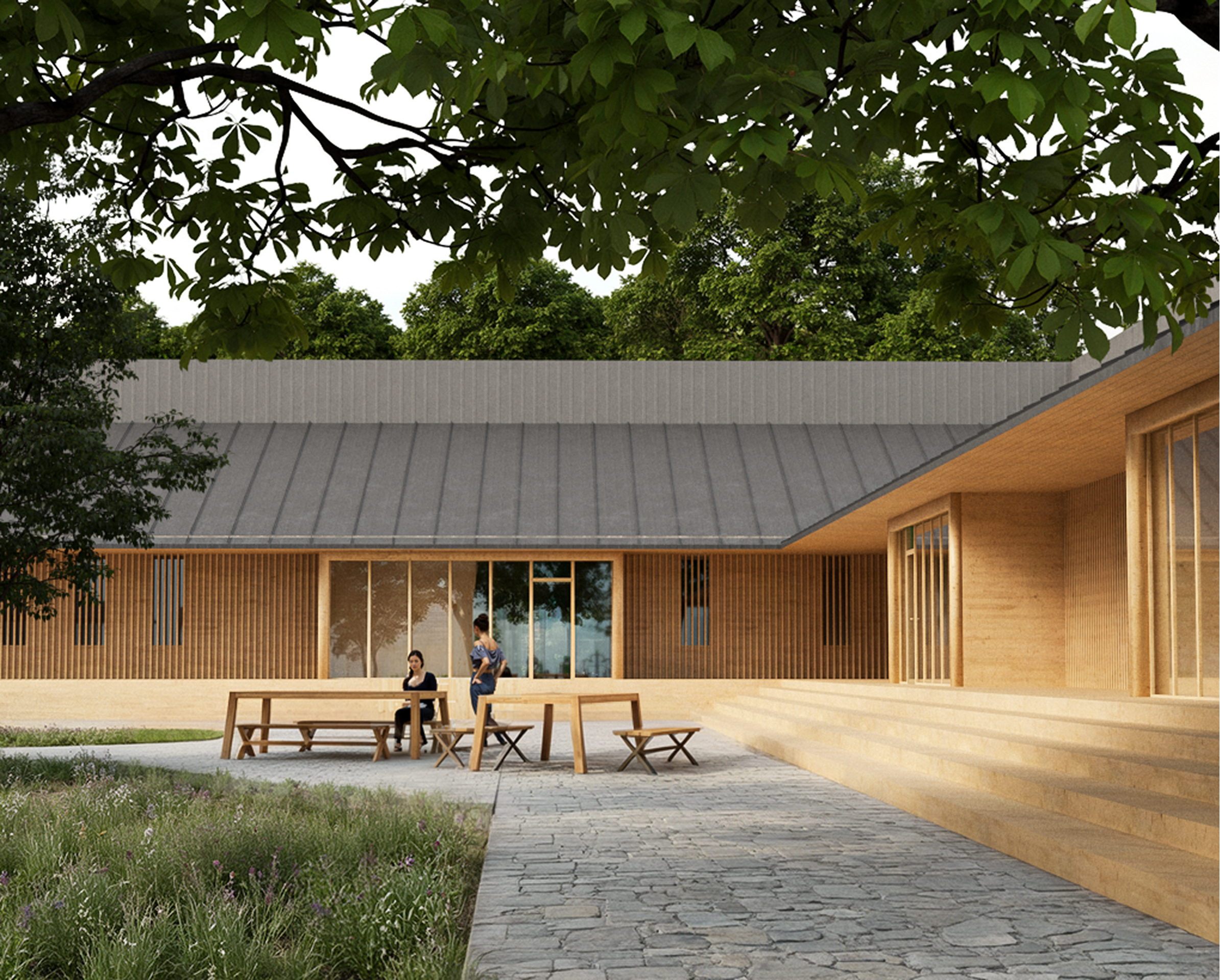
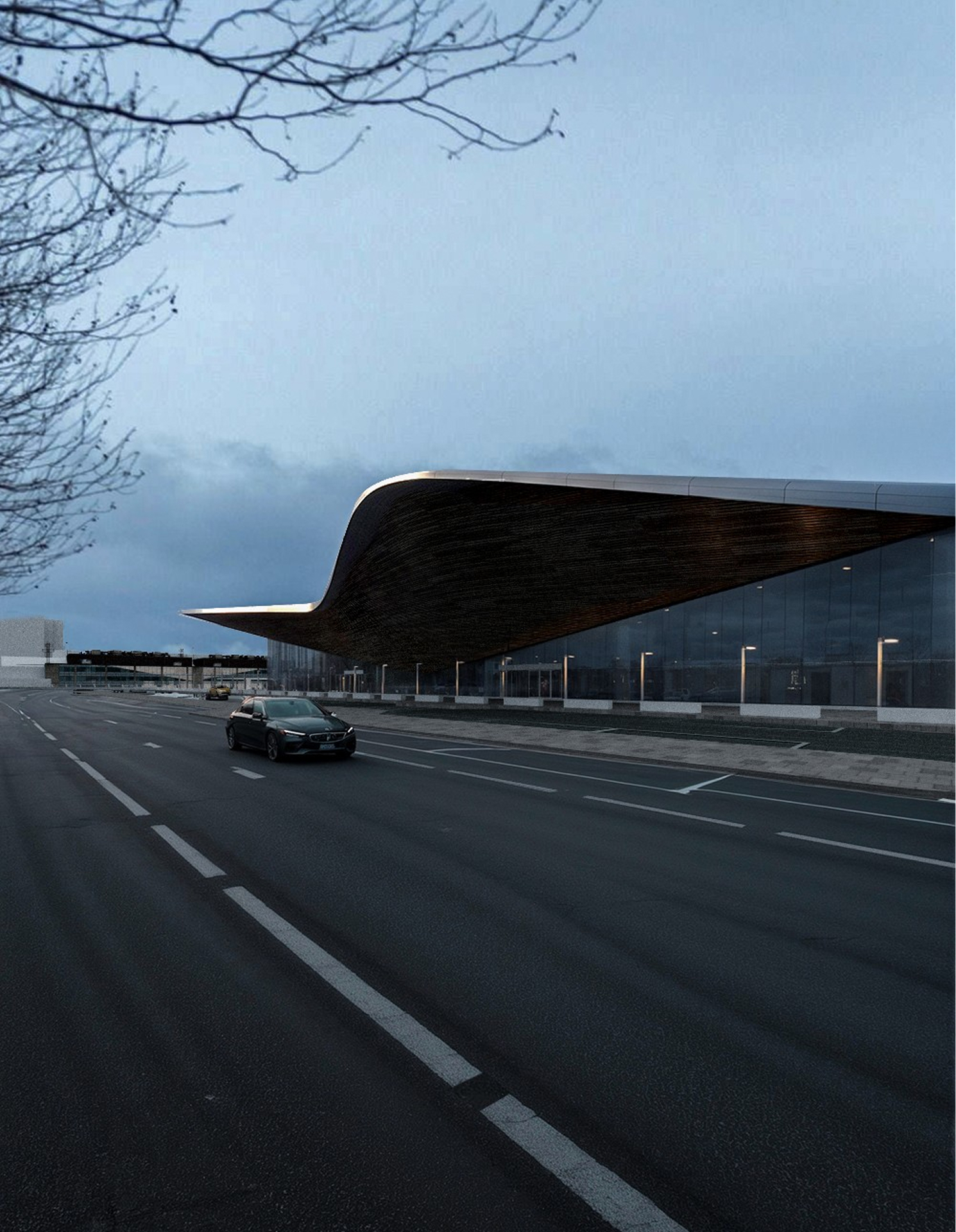
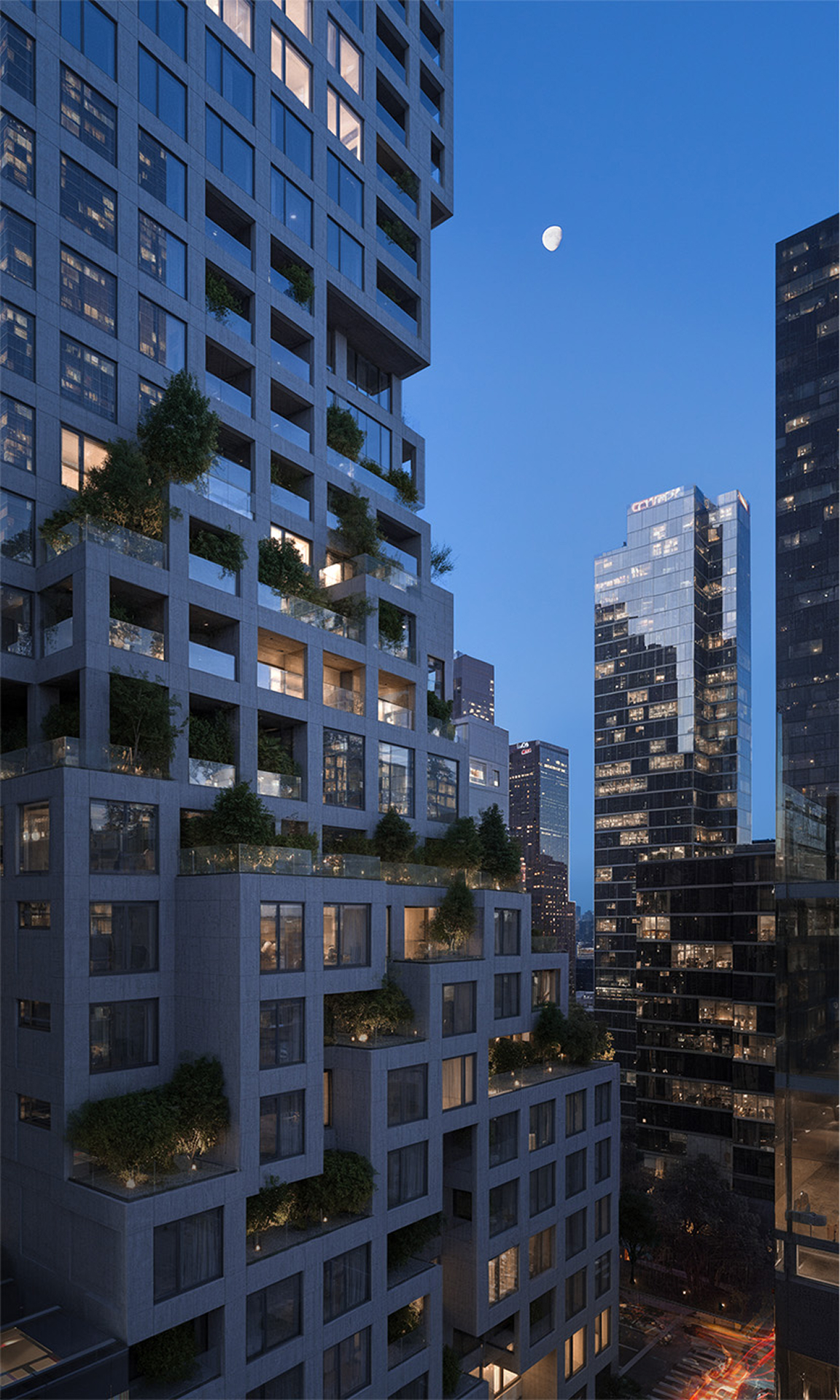
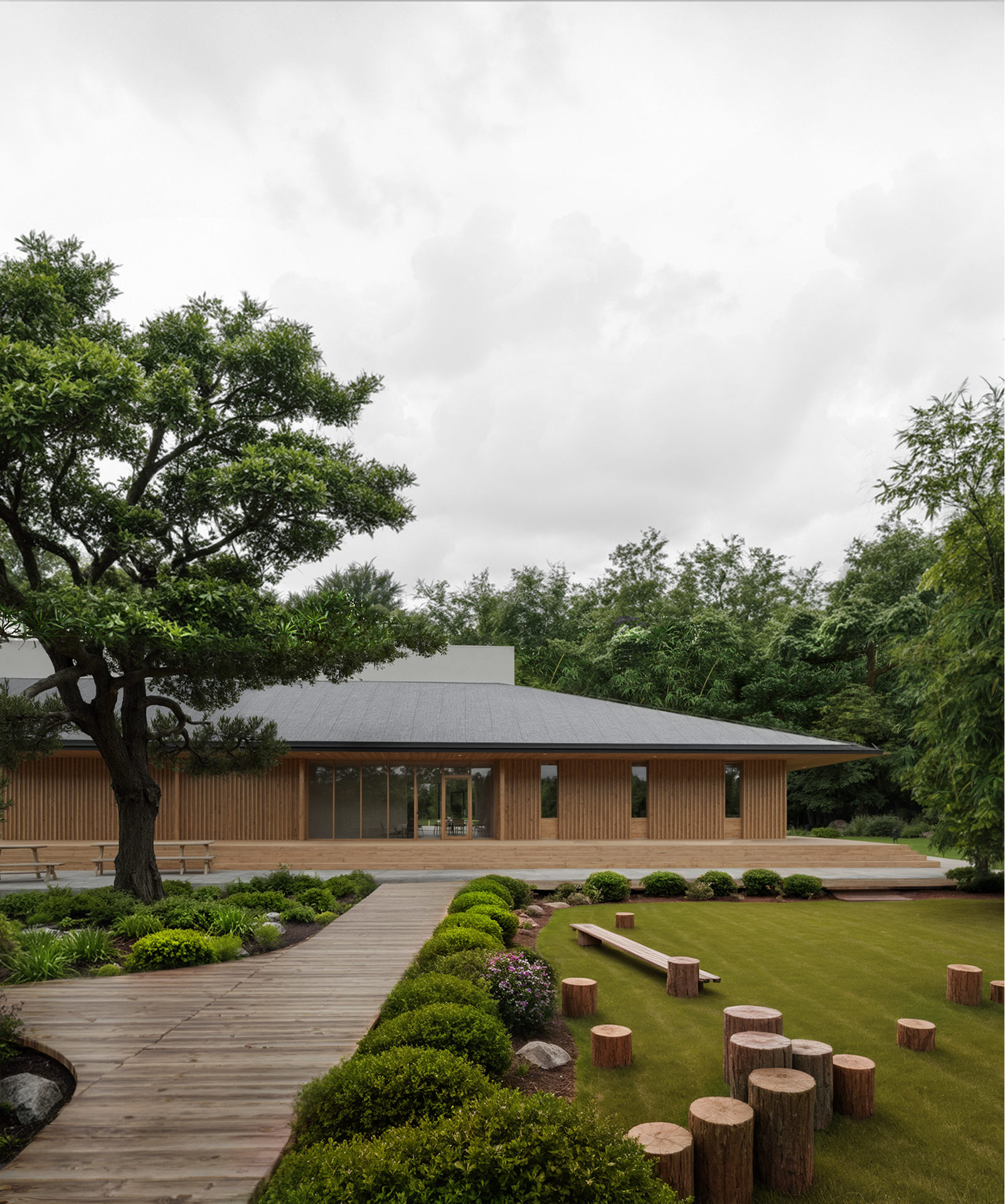
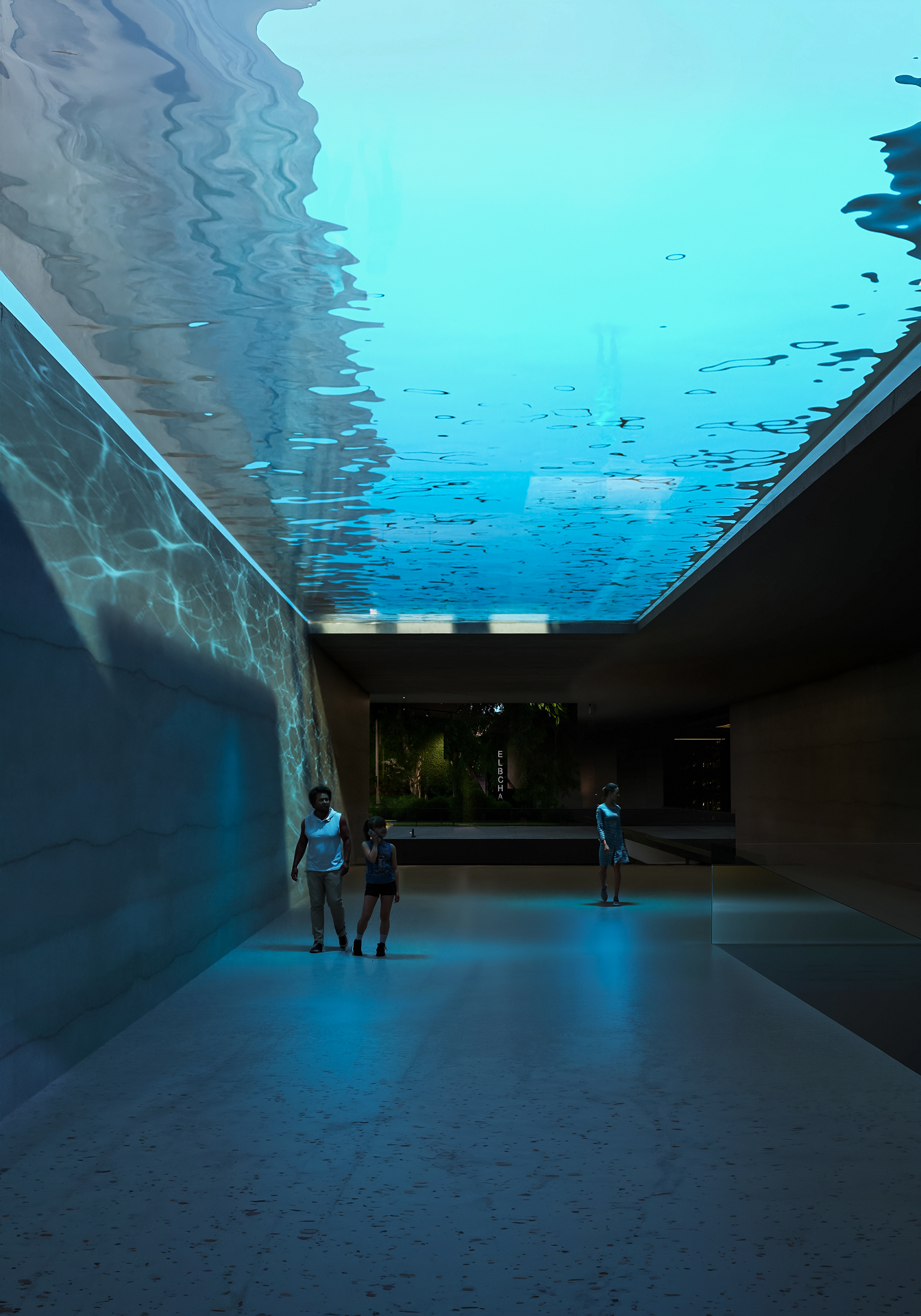
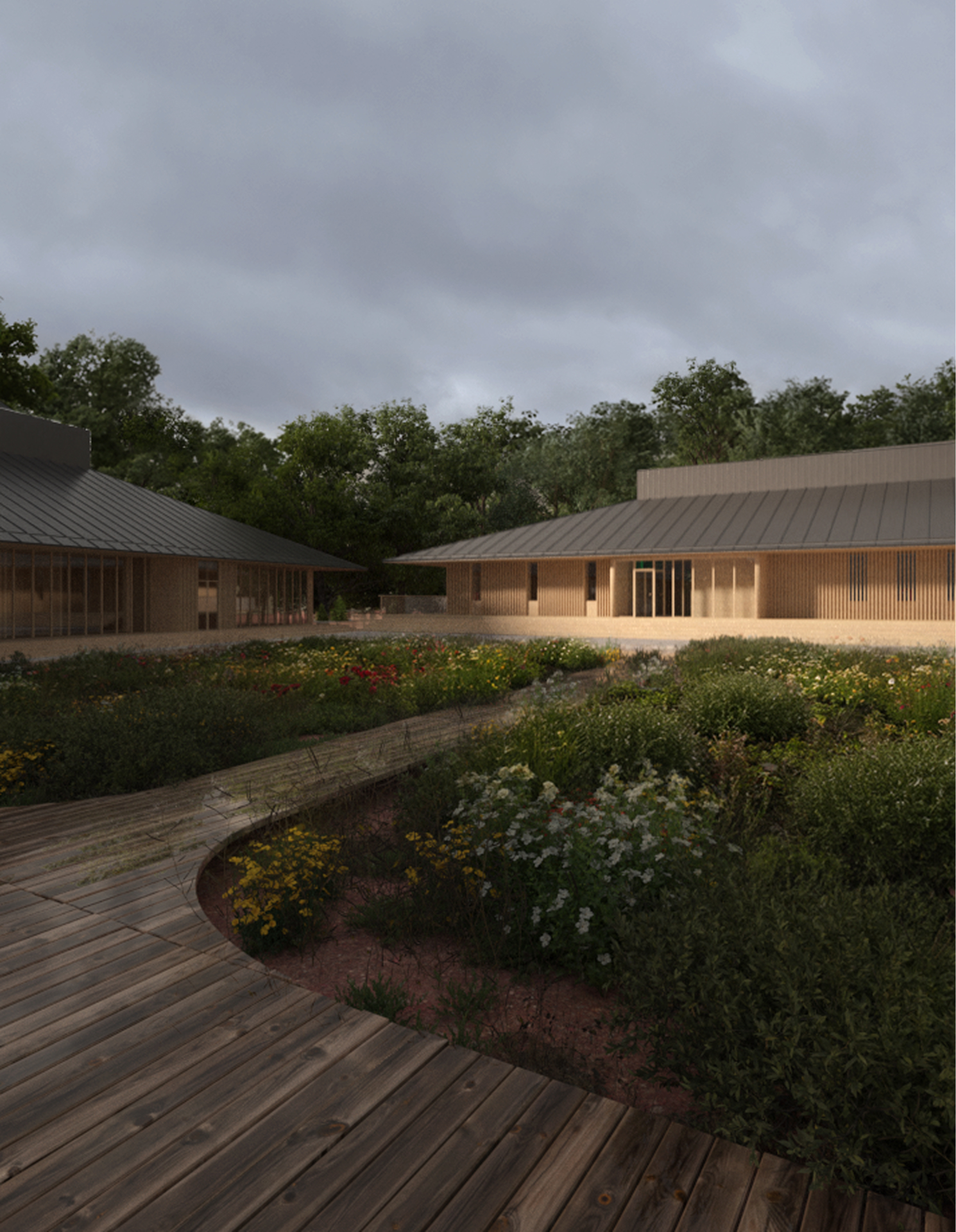
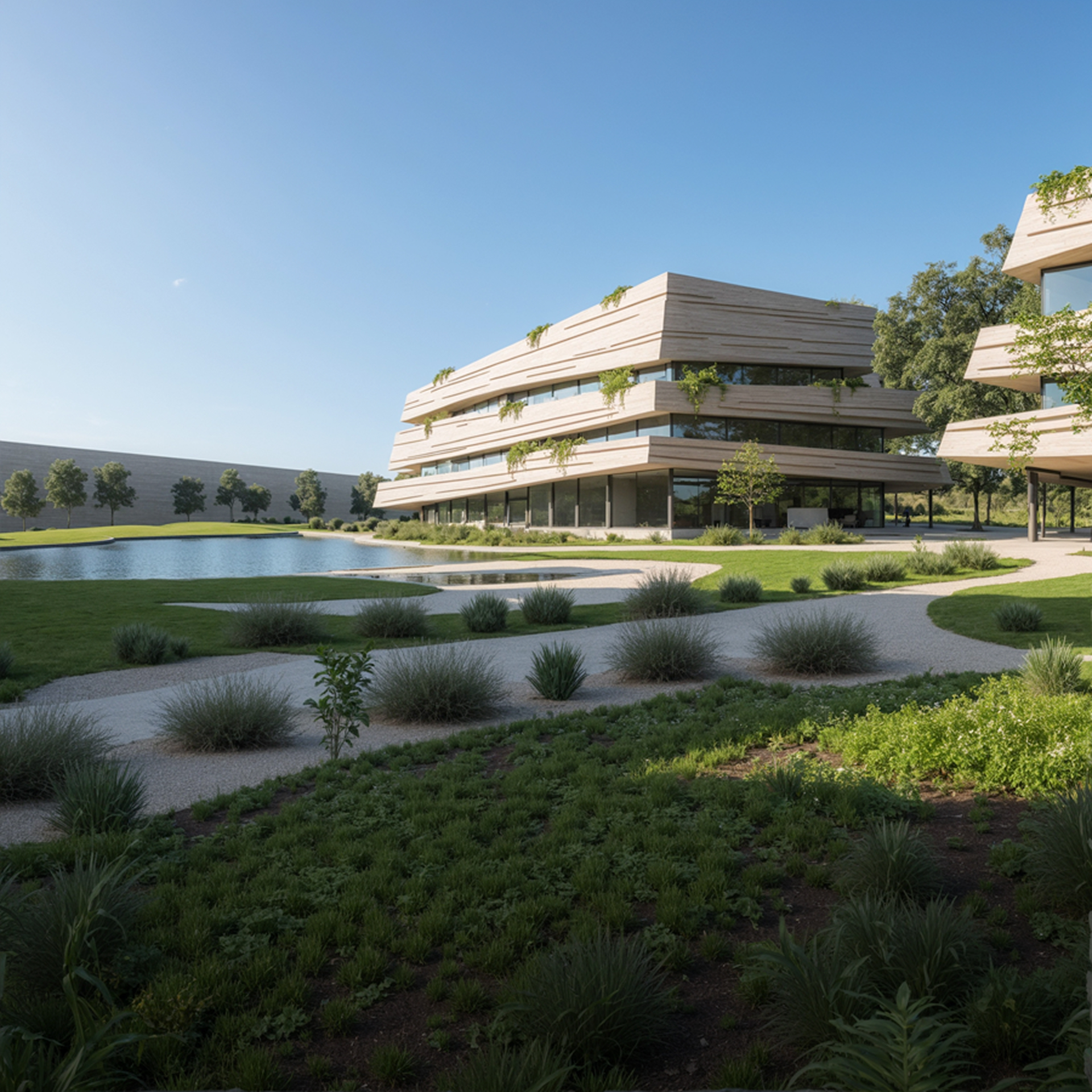
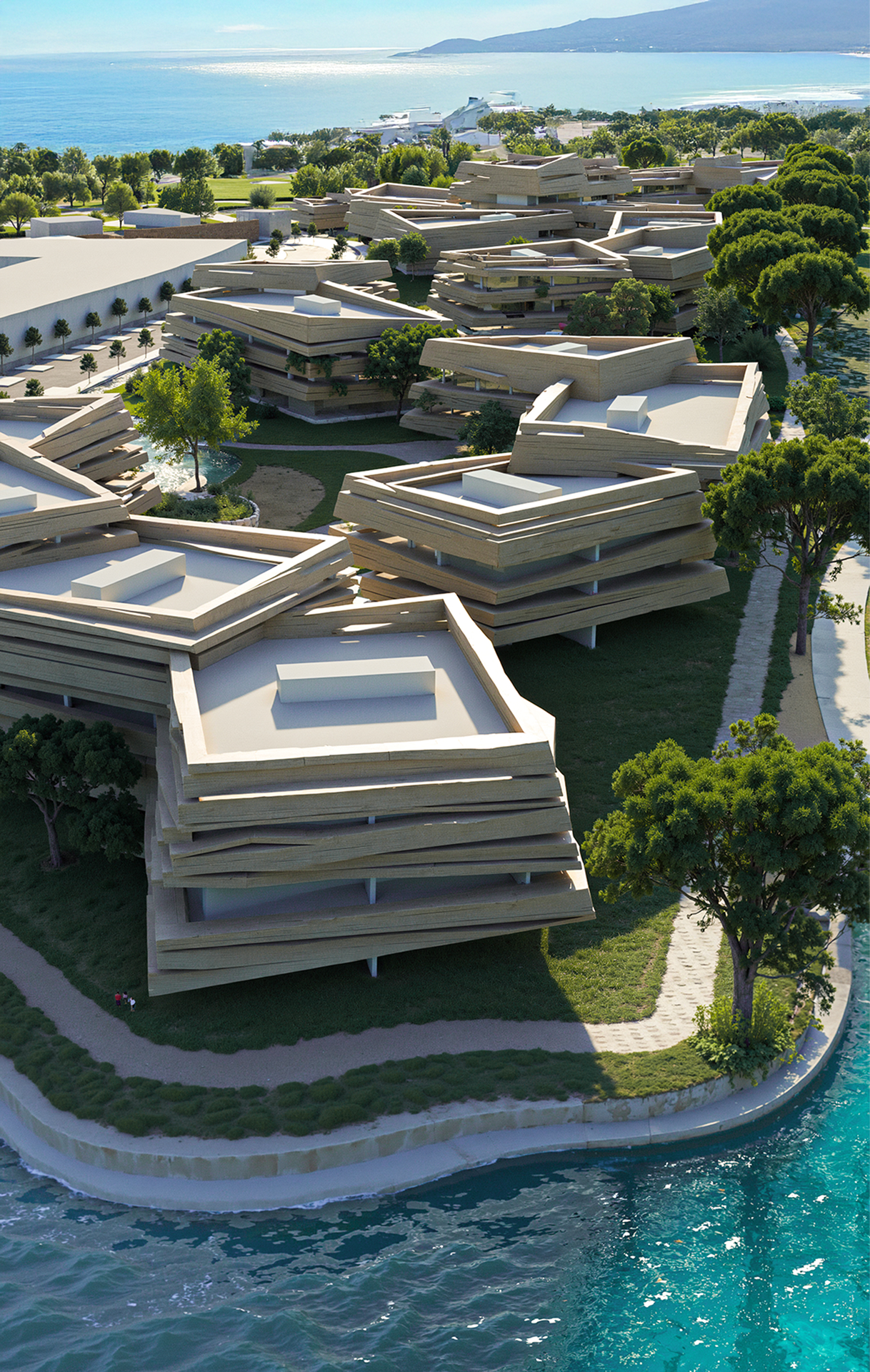
Student Works







Who is the course for?
- You have basic skills in 3ds Max, Vray, and Adobe Photoshop, and you want to take them to the next level
- You're looking to stand out as a professional archviz artist by creating high-quality architectural visualizations efficiently.
- You’re ready to move beyond mediocre work and adopt an artistic approach to raise your standards — with a focus on exterior image creation.
- Whether you're an architect or interior designer, you're eager to pivot or specialize in the archviz field.
- You want to join in person in Budapest or online from anywhere – we provide a dedicated workstation either way.
- You have no experience in 3D visualization and lack an archviz portfolio.
- You’re unfamiliar with 3ds Max, Vray, and Adobe Photoshop.
- You’re only focused on technical rendering improvements, without interest in artistic principles.
- You're under 18 or lack intermediate English skills.
Gain
specialized skills
Further Benefits
Mentors

András Káldos

Peter Pazsiczky

Alex Auro