Learning Hub
Infographic in Arch Viz. Part 02.
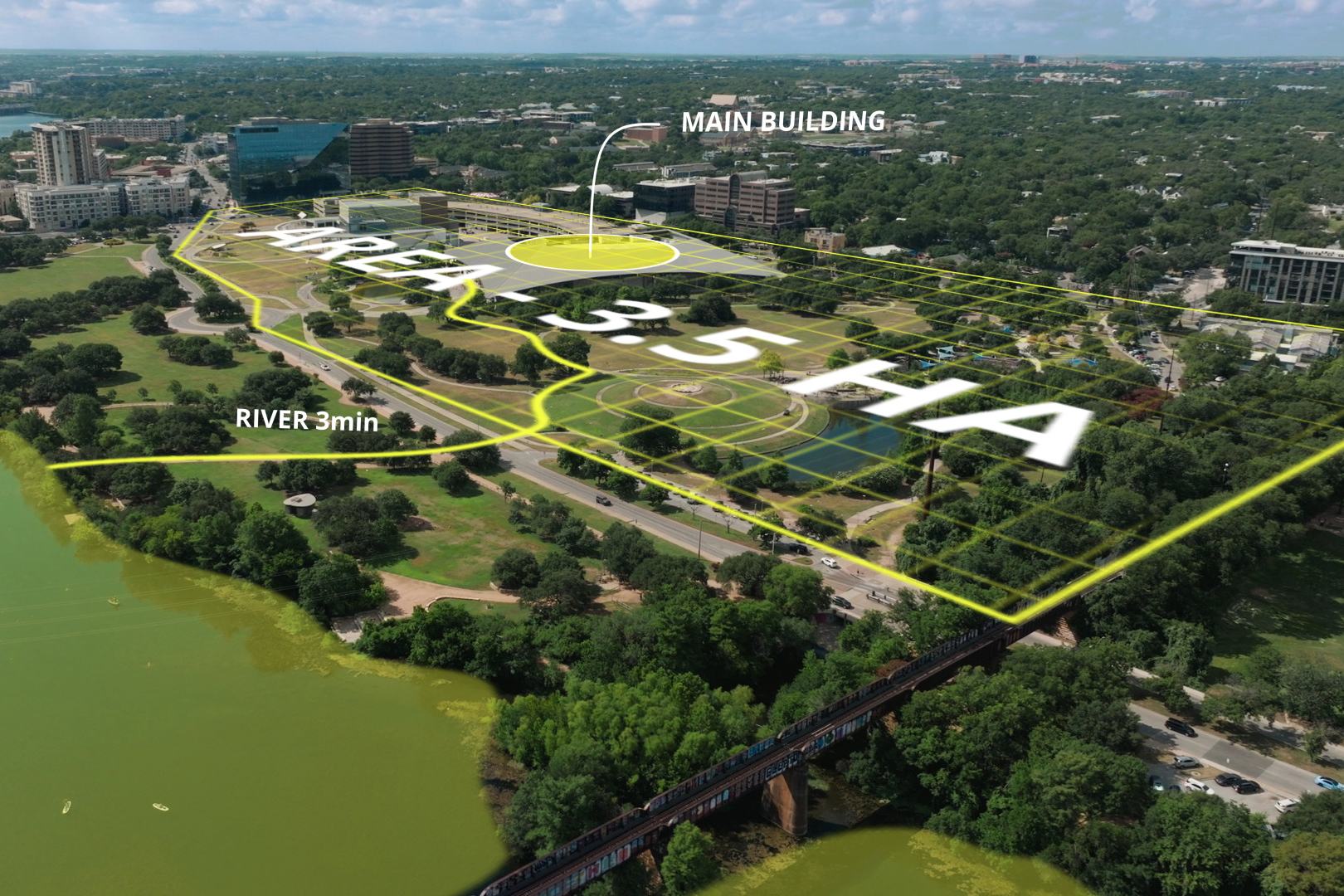
Is there any information you want to present using graphic elements? Try infographics! Names, areas, distances, and all kinds of information can be presented nicely with elegant graphic elements.
September 1, 2026
In part two, we cover different types of shapes and the way to animate them. This part is about emphisizing particular objects on footage, distances between placaes, building area. Of course we will talk about nimated text floating in 3d space.
Hi there, I’m Anton
I'm an Animation Specialist at Brick Visual, specializing in compositing and visual effects. With a keen eye for detail and a passion for exploring new creative workflows, I enjoys turning complex ideas into simple, effective techniques. My tutorials focus on practical tips that artists can easily integrate into their daily projects.

What You’ll Learn
- Work with sBspline, sElips and others
- Animate text and place it in 3d space
Where This Technique Is Useful
This technique helps to solve a common problem - How to show boring information in a most artistic way